Introducing innovative ideas for business
Where does it come from? Contrary to popular belie...
1 min
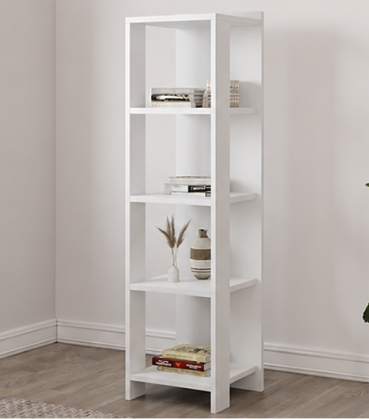
End Table Material : Solid Wood | Color: Shabby White | Dime...
The Cascade Bookshelf combines modern design with practical ...
A stylish, industrial-style leaning bookshelf with wooden ti...
The Cascade Bookshelf combines modern design with practical ...
Where does it come from? Contrary to popular belie...
1 min
Where does it come from? Contrary to popular belie...
1 min
Where does it come from? Contrary to popular belie...
1 min
Where does it come from? Contrary to popular belie...
1 min
Contrary to popular belief, Lorem Ipsum is not sim...
1 min
Contrary to popular belief, Lorem Ipsum is not sim...
5 min
Contrary to popular belief, Lorem Ipsum is not sim...
1 min
Welcome to the official documentation for your Commerce Craft theme! This guide provides all the essential information you need to set up, customize, and manage your theme effectively. Whether you're a developer or a marketer, you'll find step-by-step instructions and tips to help you create stunning and functional websites.

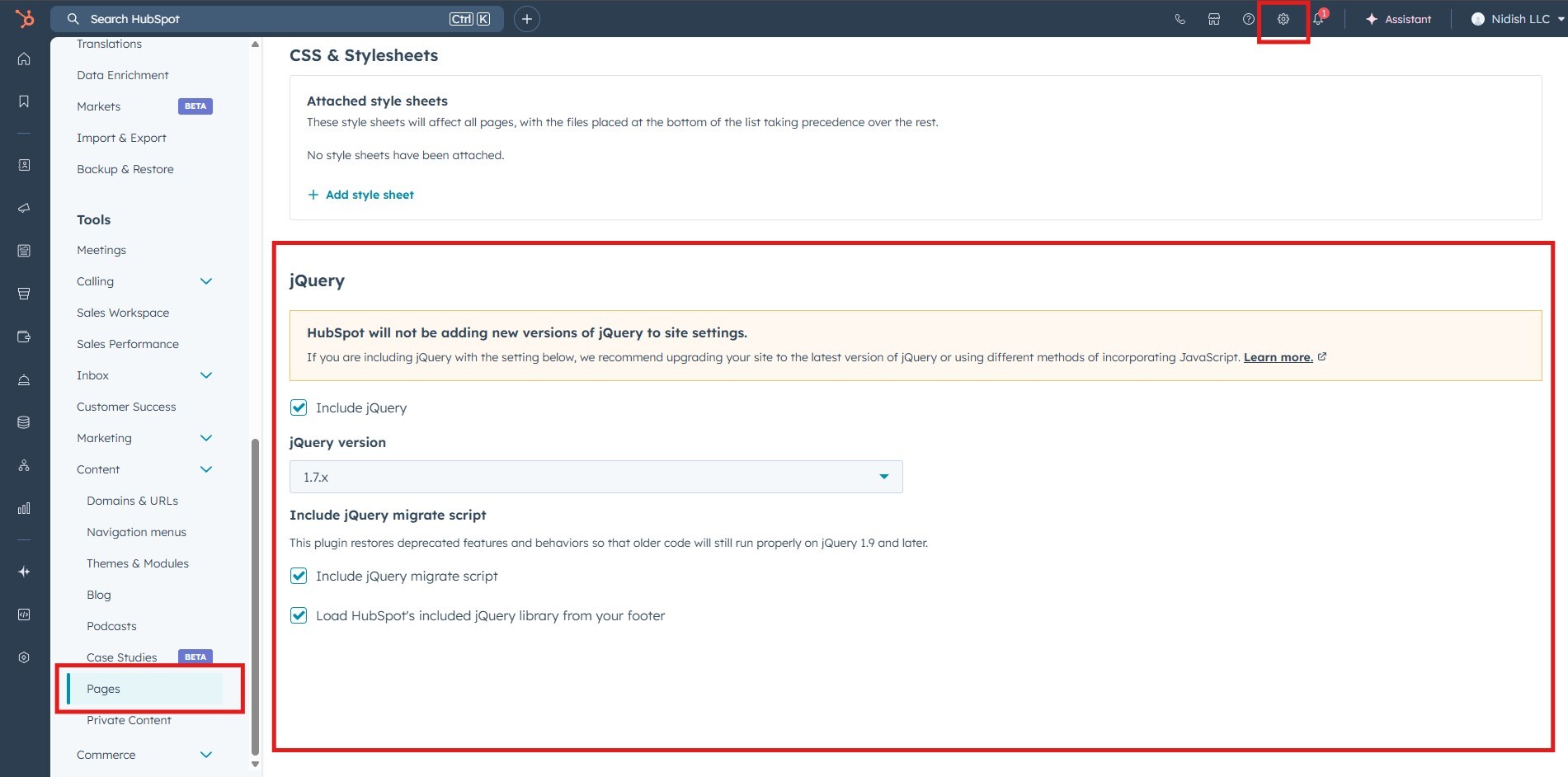
Enabling the jQuery library is important for the Commerce Craft theme, as it supports certain JavaScript functionalities and allows you to write jQuery-based code within the theme.
The official HubSpot Theme Settings documentation provides a comprehensive guide for configuring theme settings effectively.

Please note: To show product in Product with Filter first create product in HubSpot click here or click here to know more.
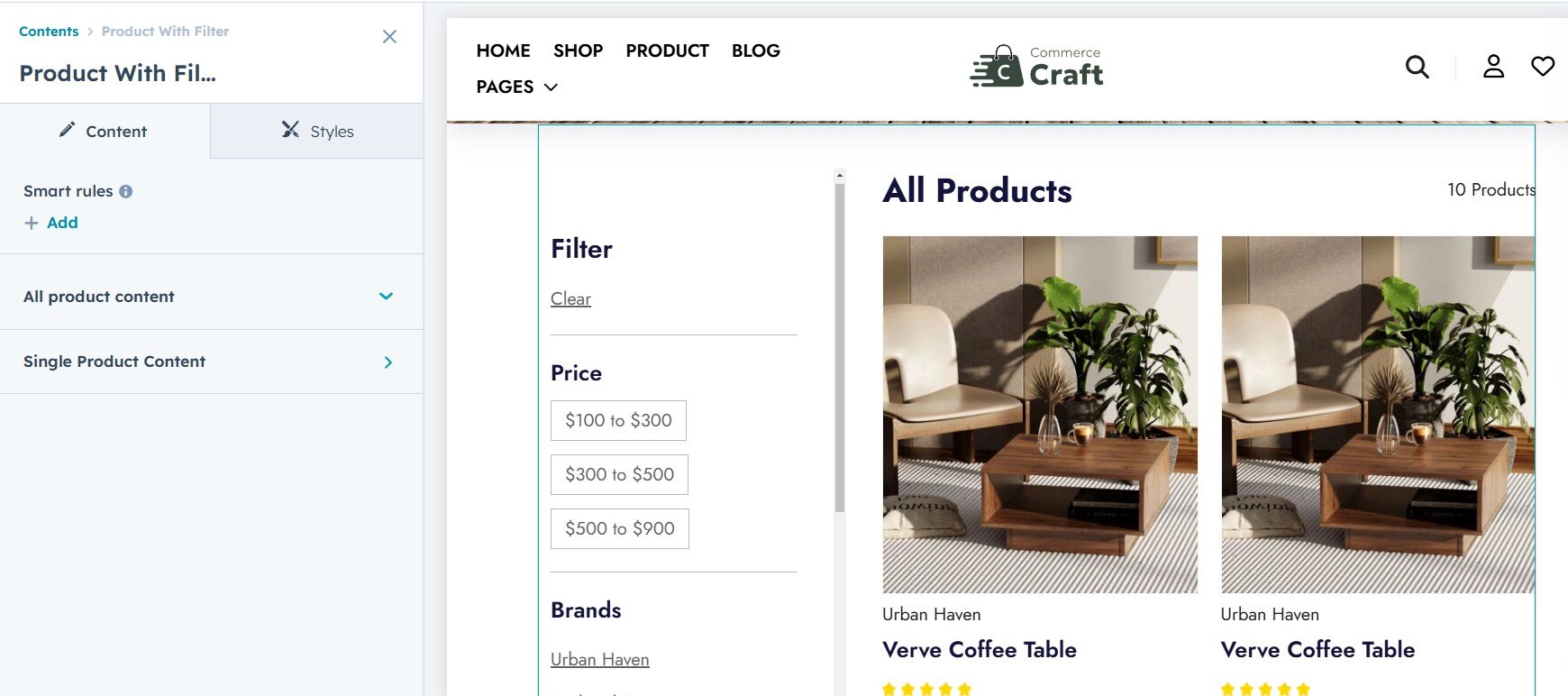
The Product with Filter module allows you to display products with dynamic filters, similar to a faceted search. You can customize the following style settings and content setting for your shop page:
Content settings:
Single product content: Here you can customize or add payment icons, social icons and content in rich-text.
All product content: Here you can enable or disable product filters and set the product per pagination.
Style setting:

Please note: To show product in Product with Filter first create product in HubSpot click here or click here to know more.
The Product with Filter module allows you to display products with dynamic filters, similar to a faceted search. You can customize the following style settings and content setting for your shop page:
Content settings:
Single product content: Here you can customize or add payment icons, social icons and content in rich-text.
All product content: Here you can enable or disable product filters and set the product per pagination.
Style setting:

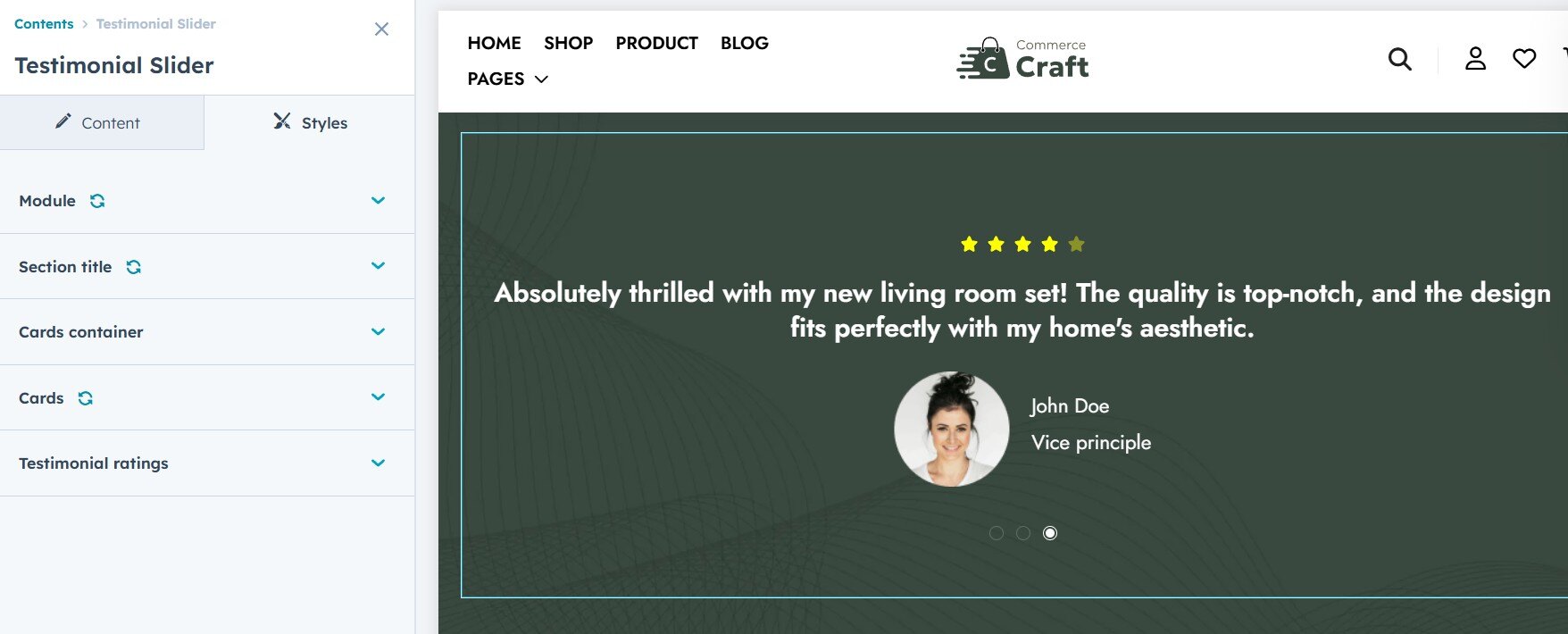
The Testimonial Slider module in HubSpot allows you to display customer reviews in a dynamic, interactive format. You can customize the following style settings for your testimonial slider:

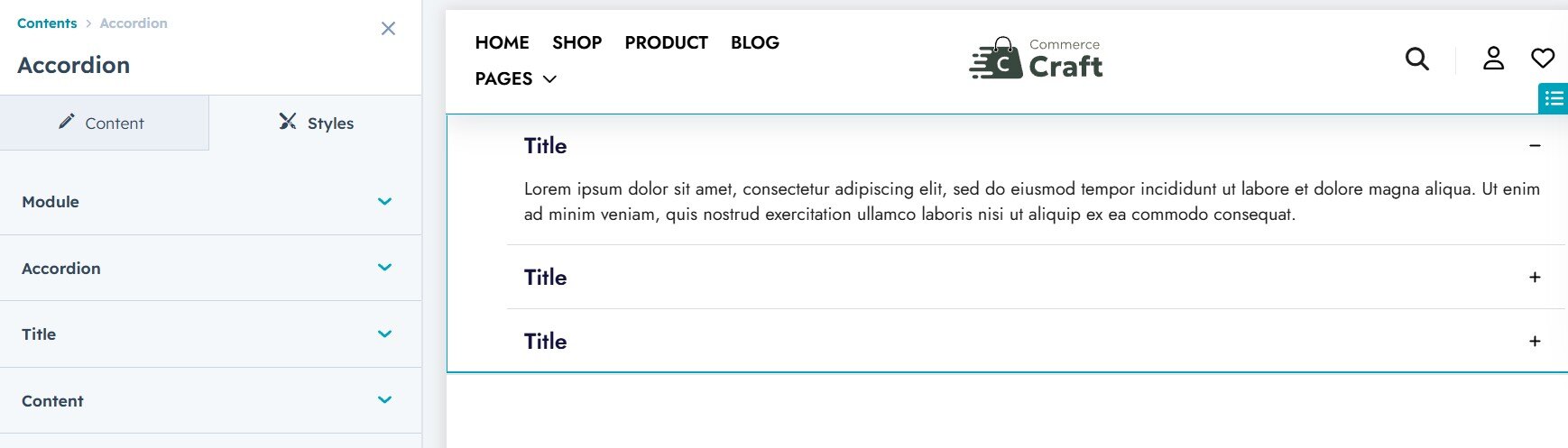
The Accordion module in HubSpot allows for collapsible content sections, and its style settings can be customized to match your design needs. The following options are available for styling:

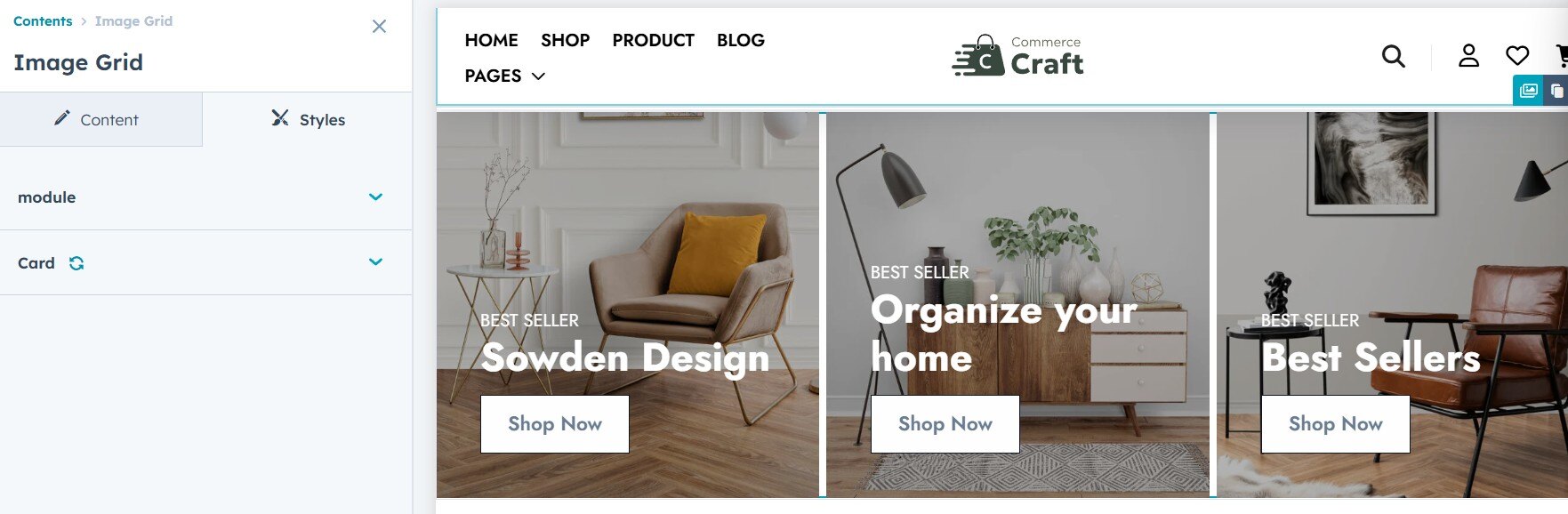
The Image Grid module in HubSpot allows you to display images in a grid layout with customizable style settings to match your site's design. The following settings are available:
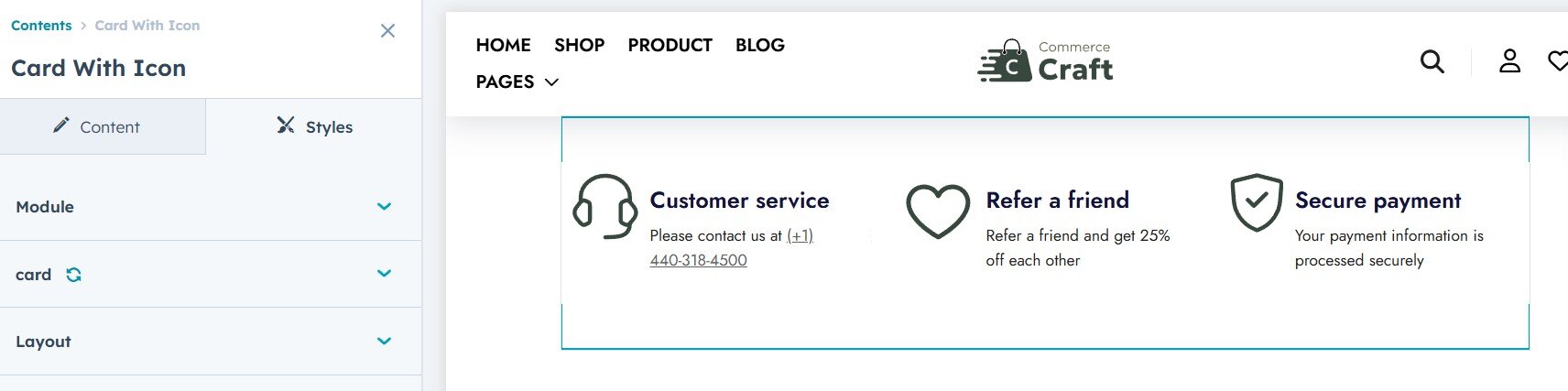
The Cards with Icon module in HubSpot allows you to display content in a card format, each featuring an icon. You can customize the following style settings to match your site's design:

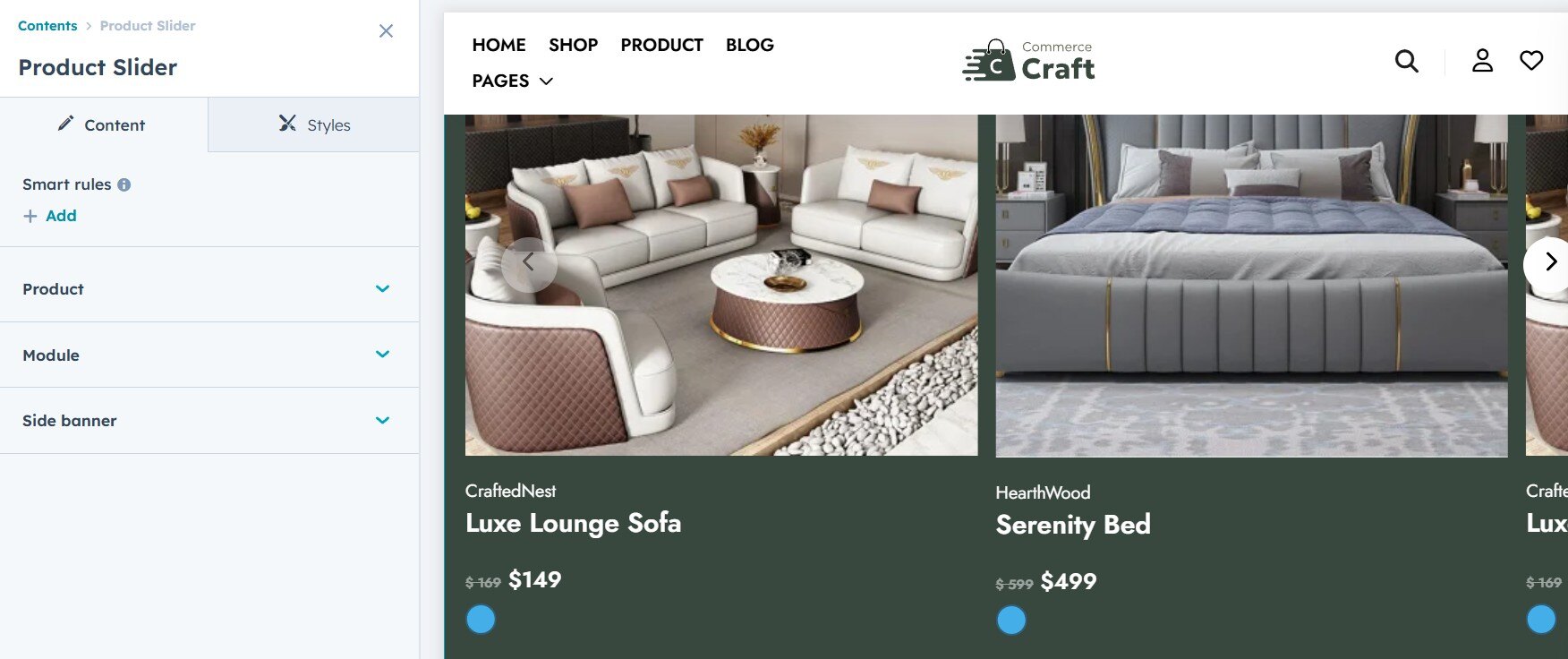
The Product Slider module in HubSpot lets you create a dynamic, interactive display of products. You can add content such as images, names, prices, and buttons. The following style settings are available to customize the appearance of your product slider:
Please note: Before adding product in Product slider module first create product in HubSpot Click here to know more.